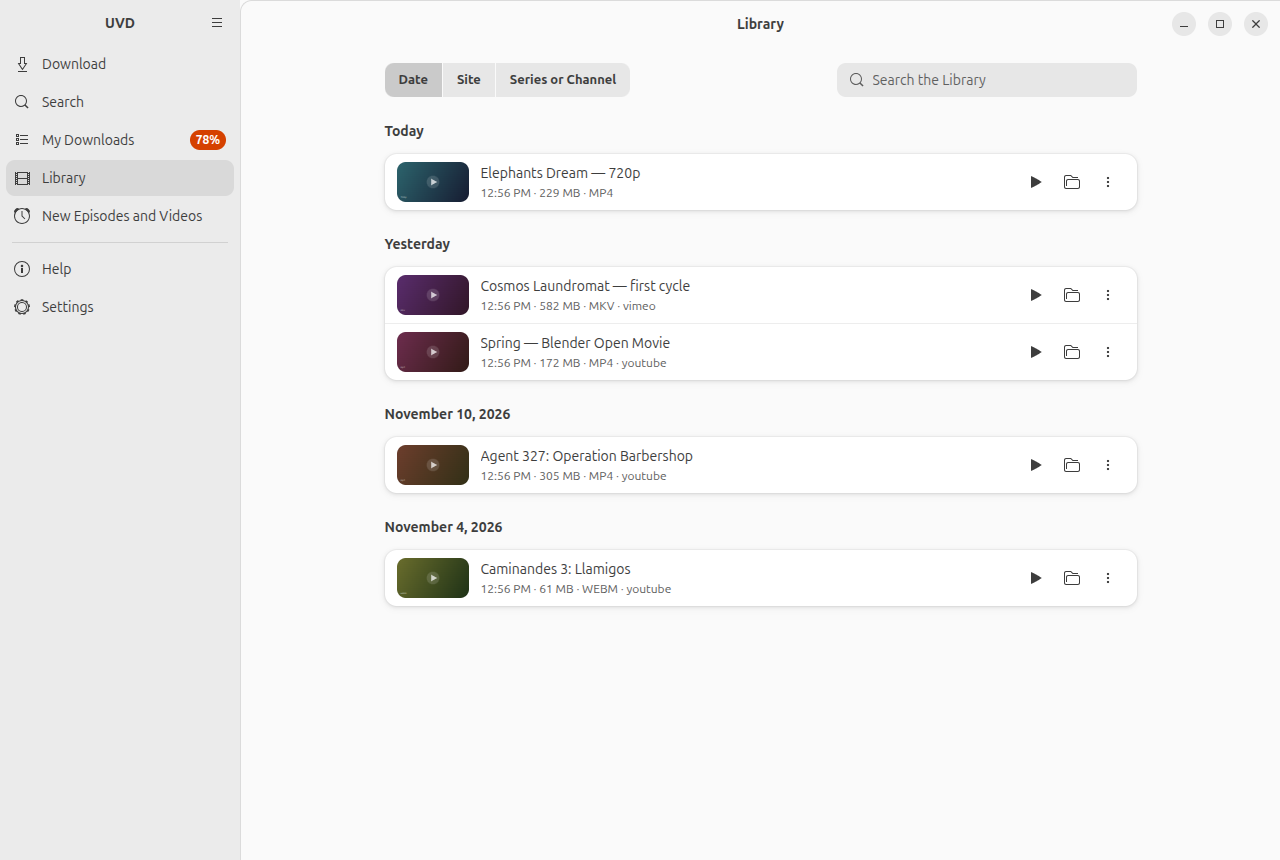
Paste a link
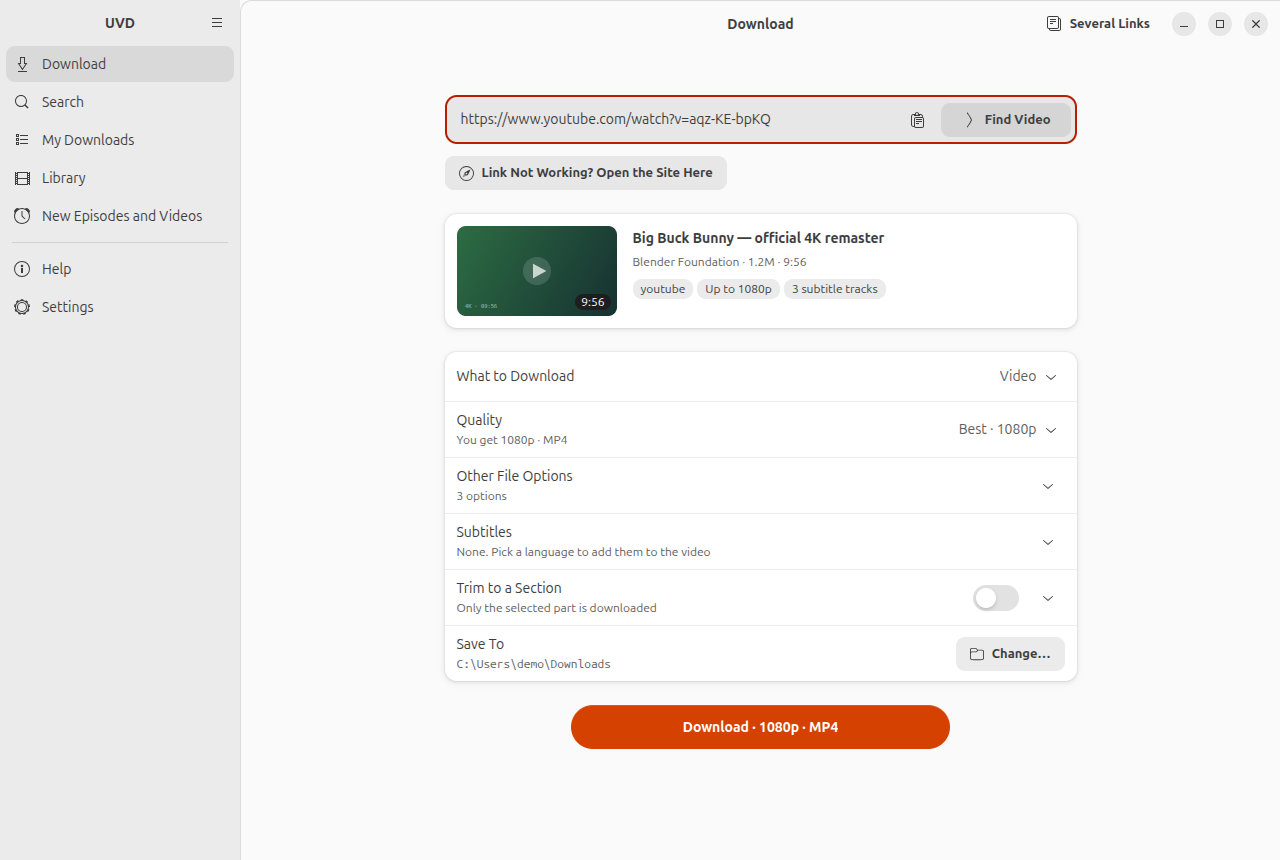
More than 1800 sites work directly. For the rest the app reads the page, or opens it in a hidden browser, and finds the stream itself. Choose video or sound only, the quality, subtitles, and the part of the video you want.
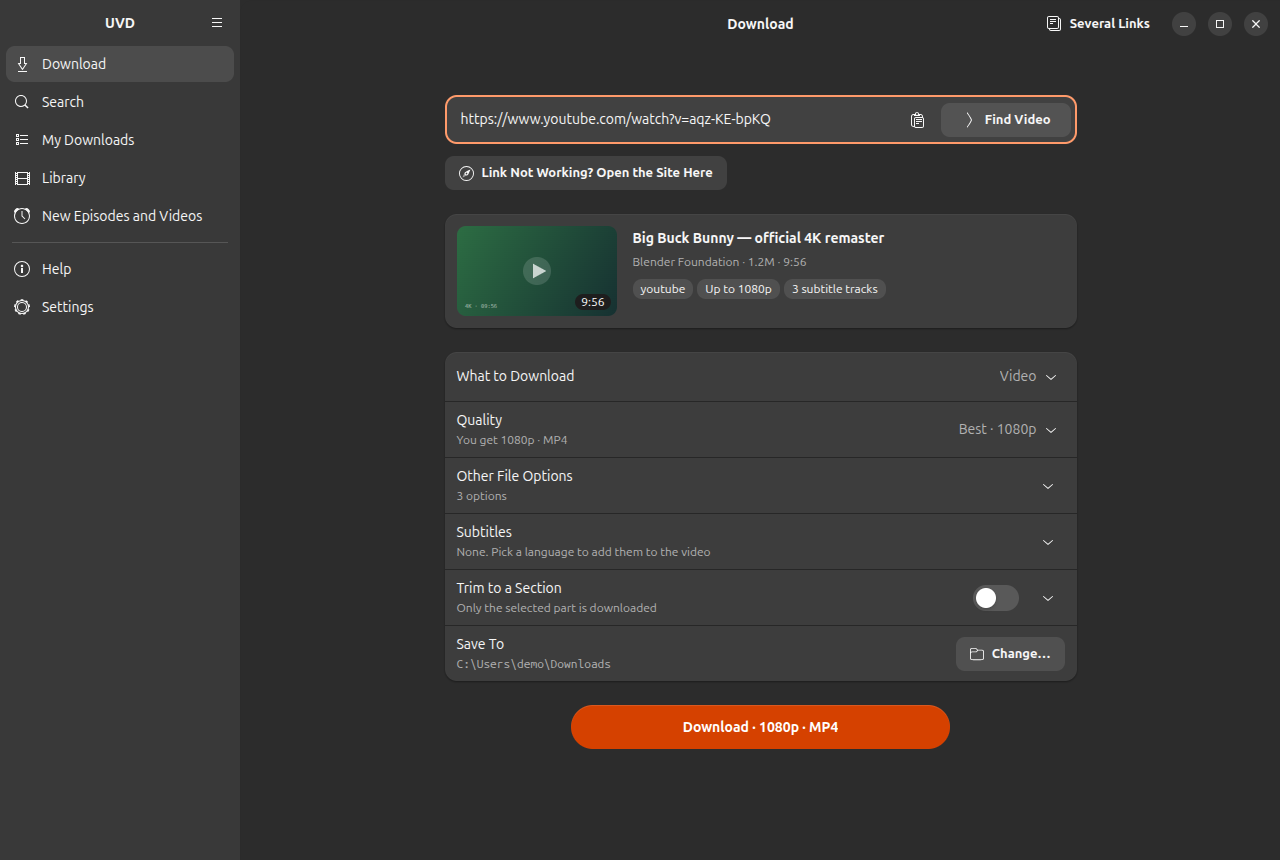
Paste a link, pick the quality, press Download. YouTube and thousands of other sites, with subtitles, sound only, a clip of the part you need, and new episodes of a series as they come out. Free, with no ads and no account.
More than 1800 sites work directly. For the rest the app reads the page, or opens it in a hidden browser, and finds the stream itself. Choose video or sound only, the quality, subtitles, and the part of the video you want.
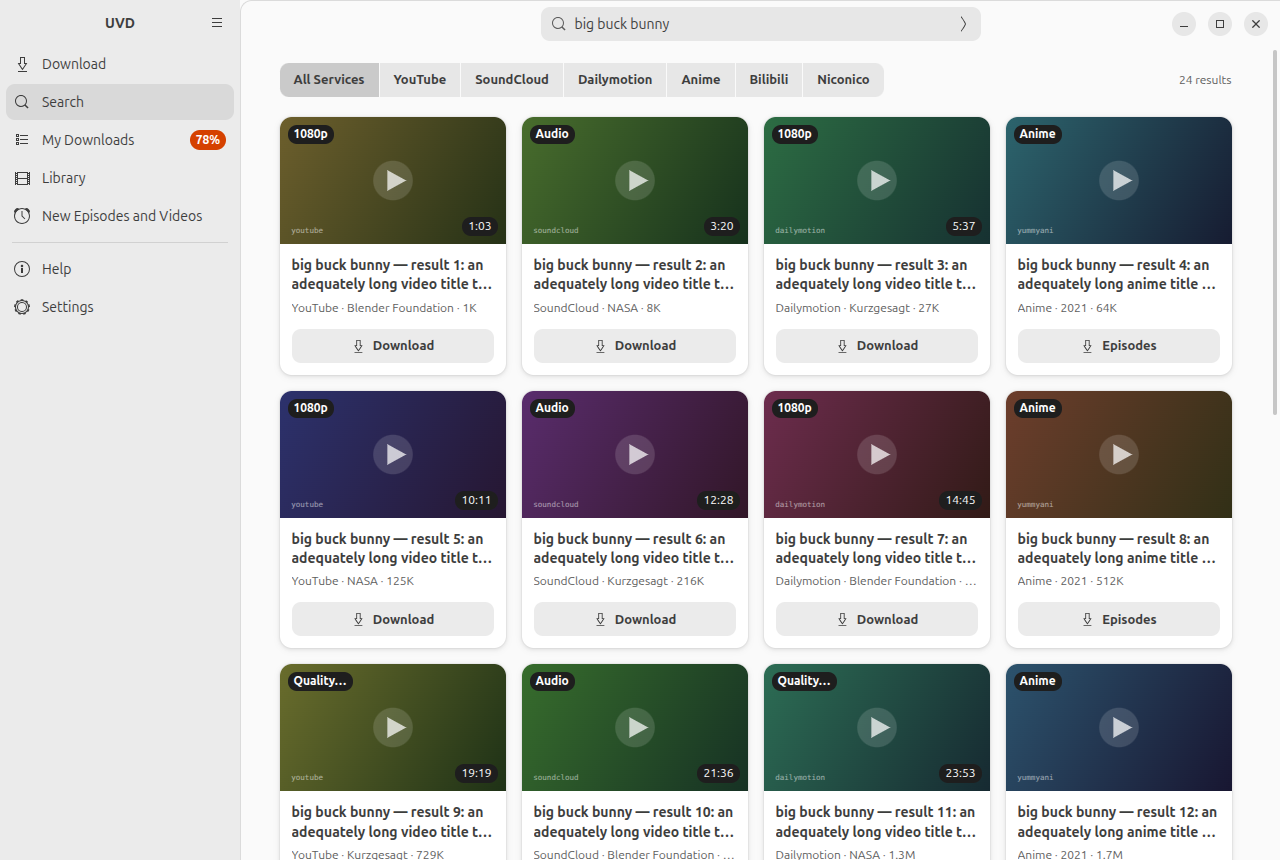
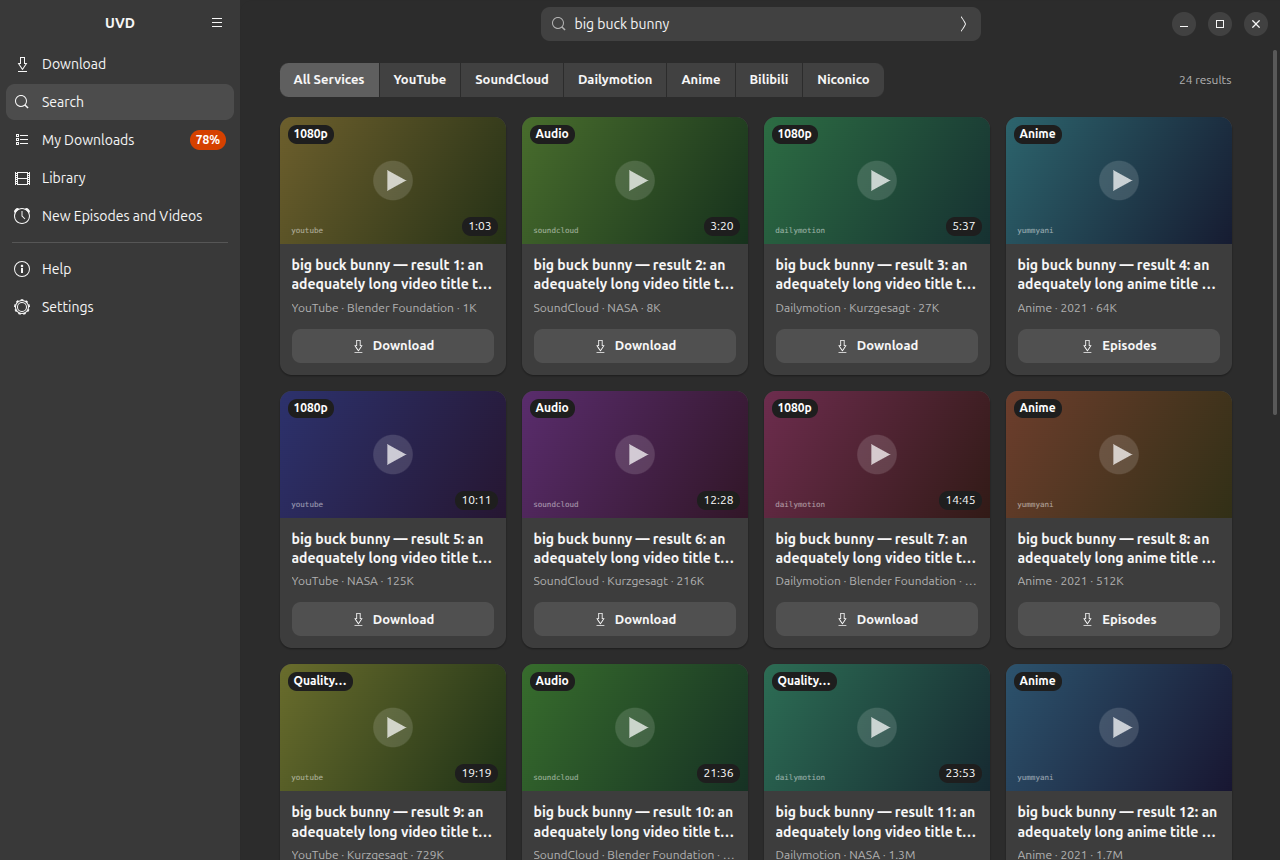
Type what you are looking for instead of a link: YouTube, SoundCloud, Dailymotion, Bilibili, Niconico and anime catalogues at once, with the best quality of each result shown before you download.
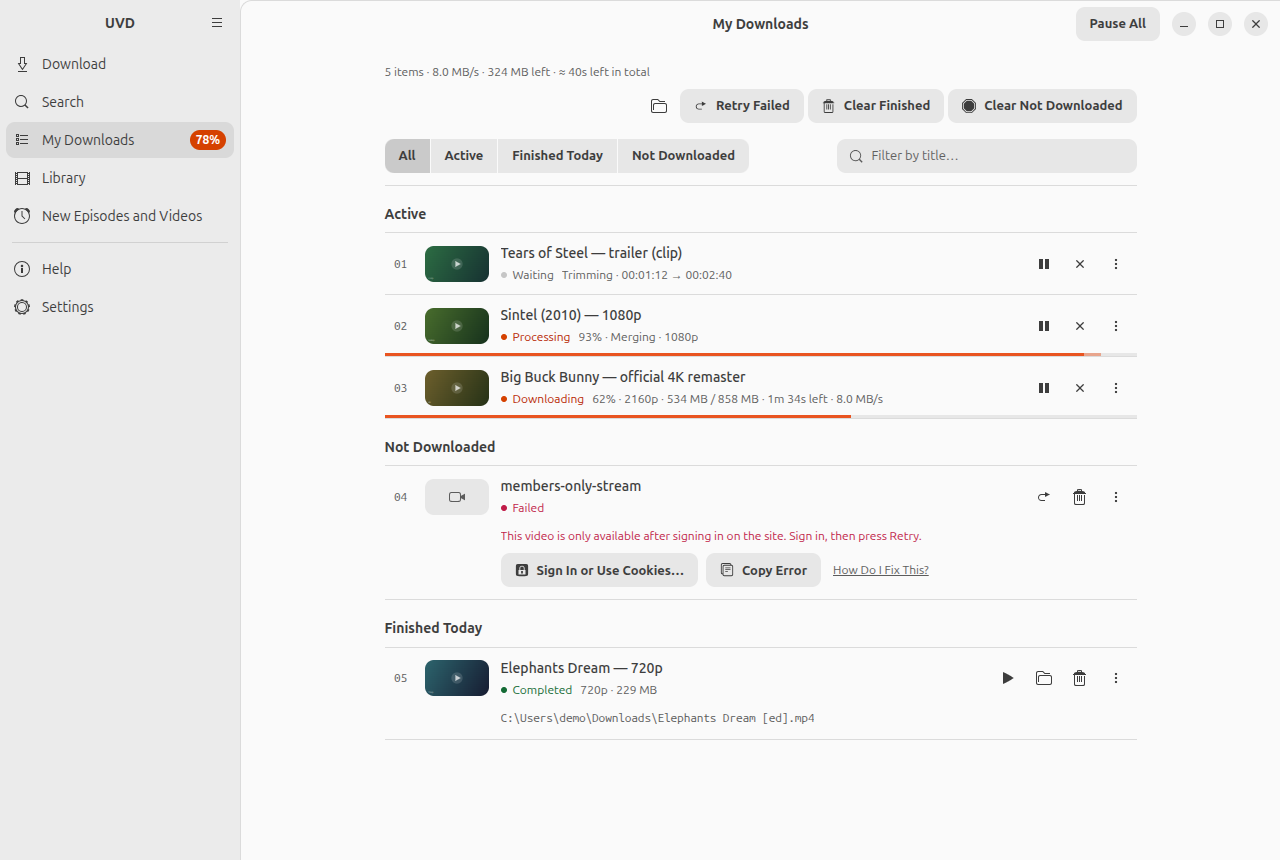
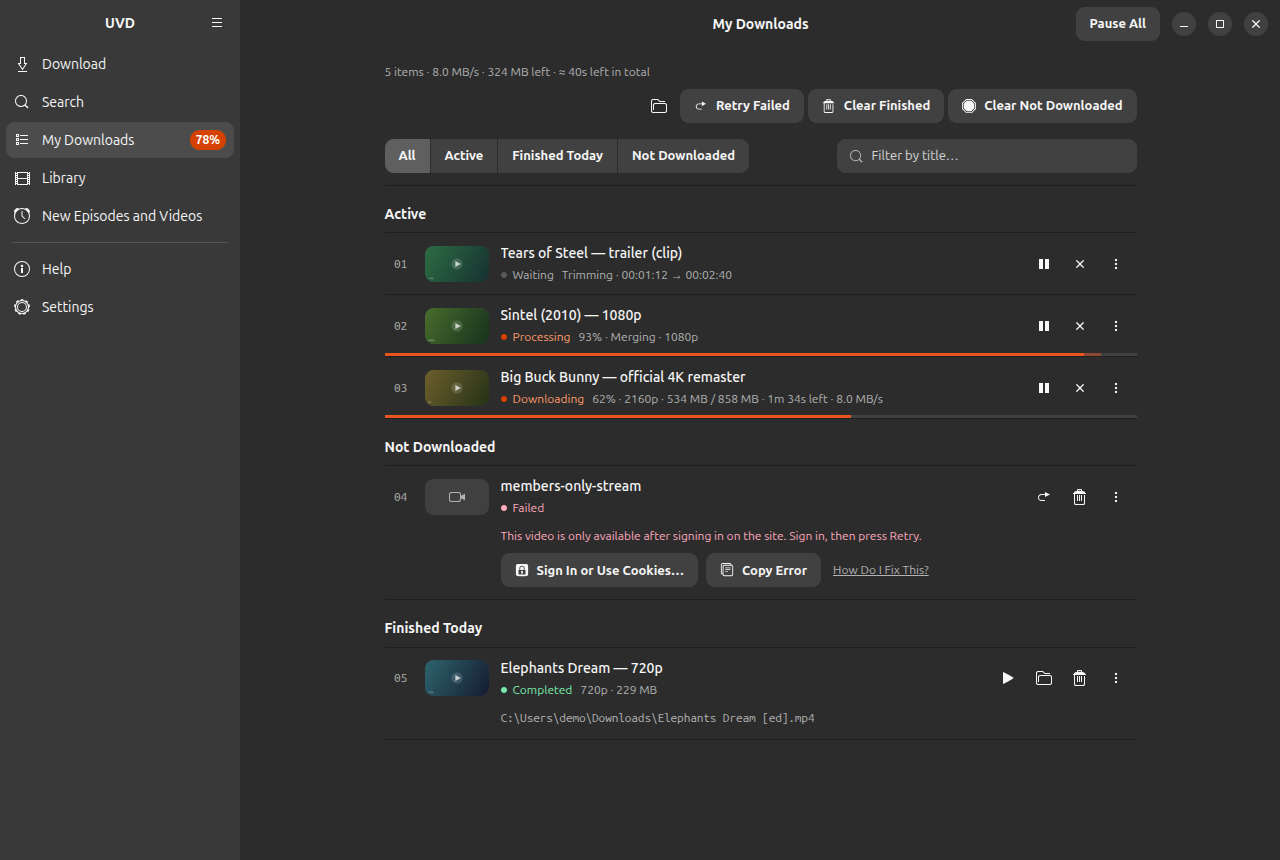
Several downloads at once, pause and resume, a retry when the connection drops, and a plain sentence with a button that fixes it when something goes wrong. Quit in the middle and it carries on next time.
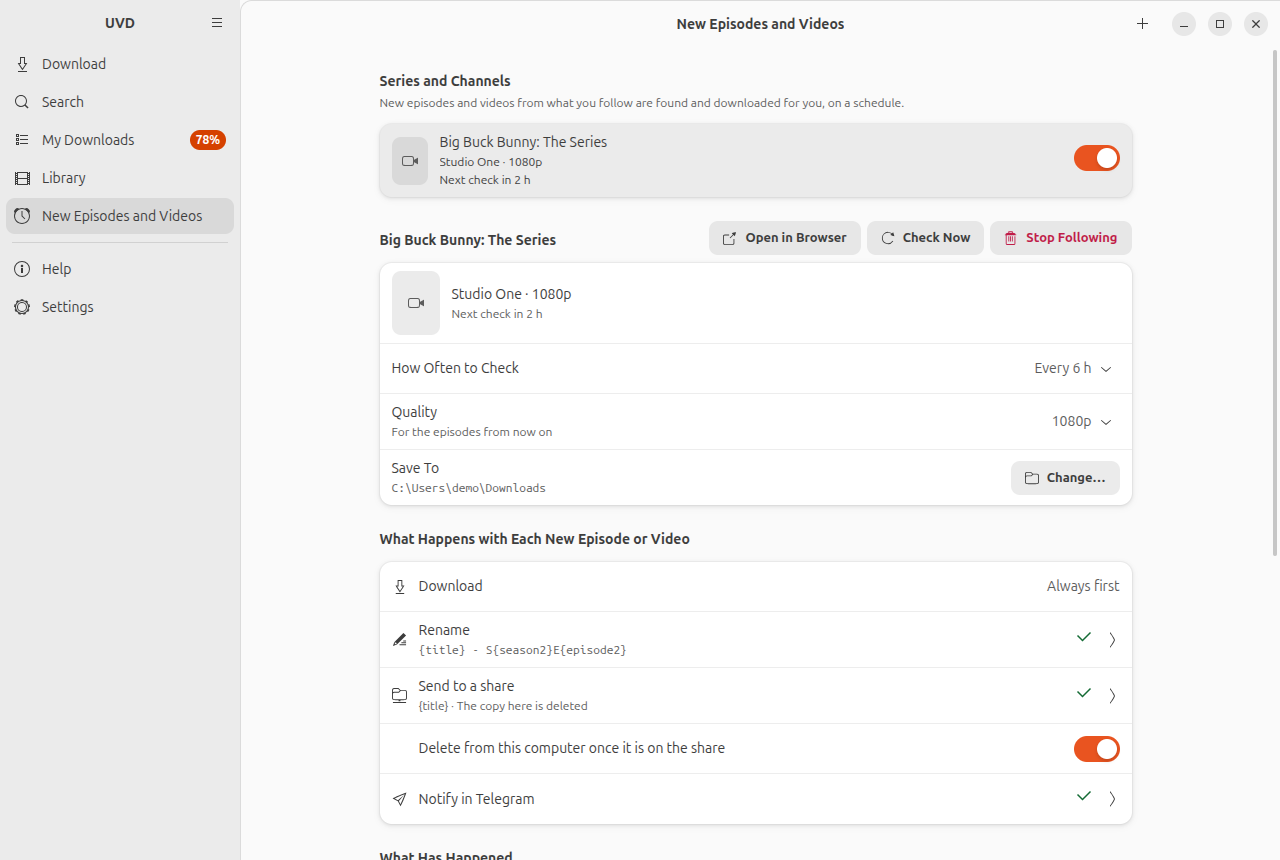
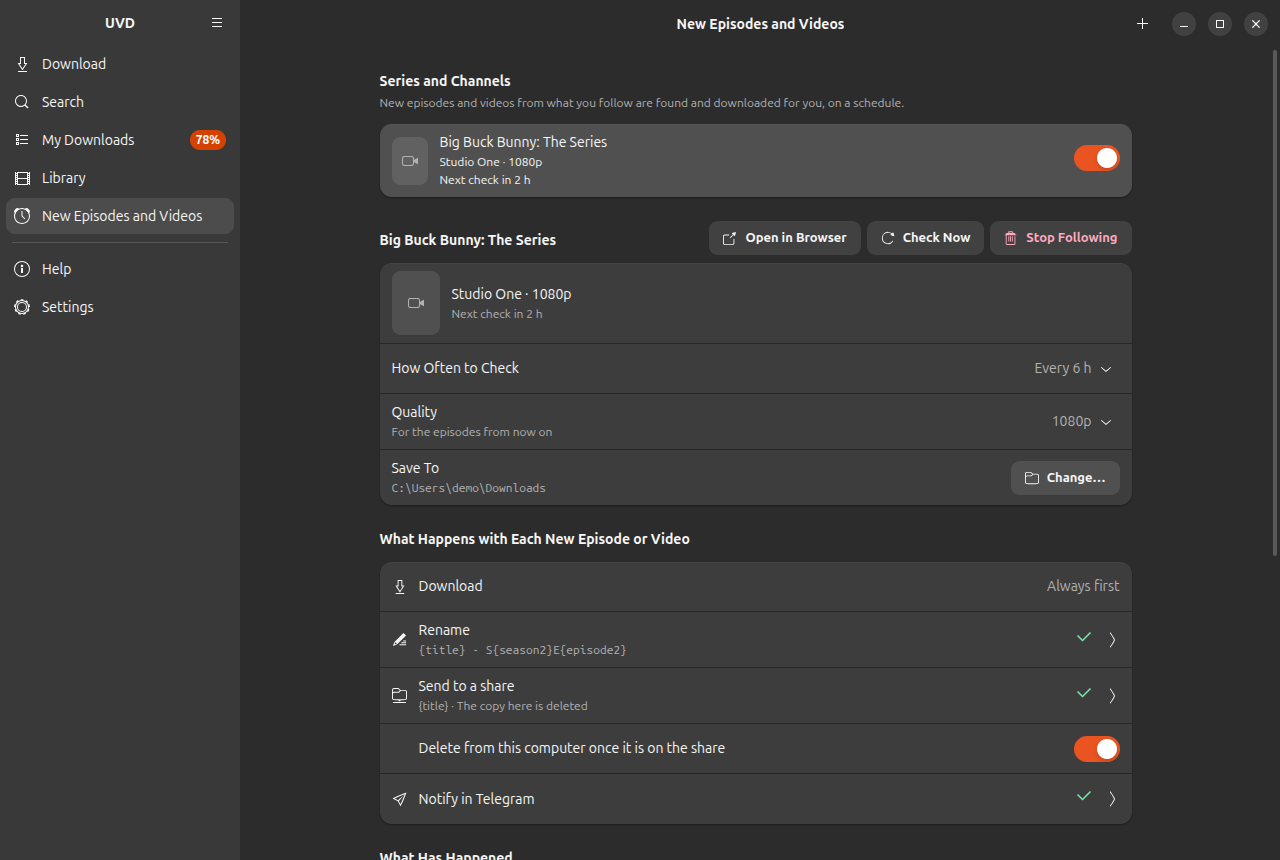
Follow a series, a channel or a playlist. New episodes are found on a schedule, downloaded, renamed, sent to a network folder and announced in Telegram, while the app sits in the tray.
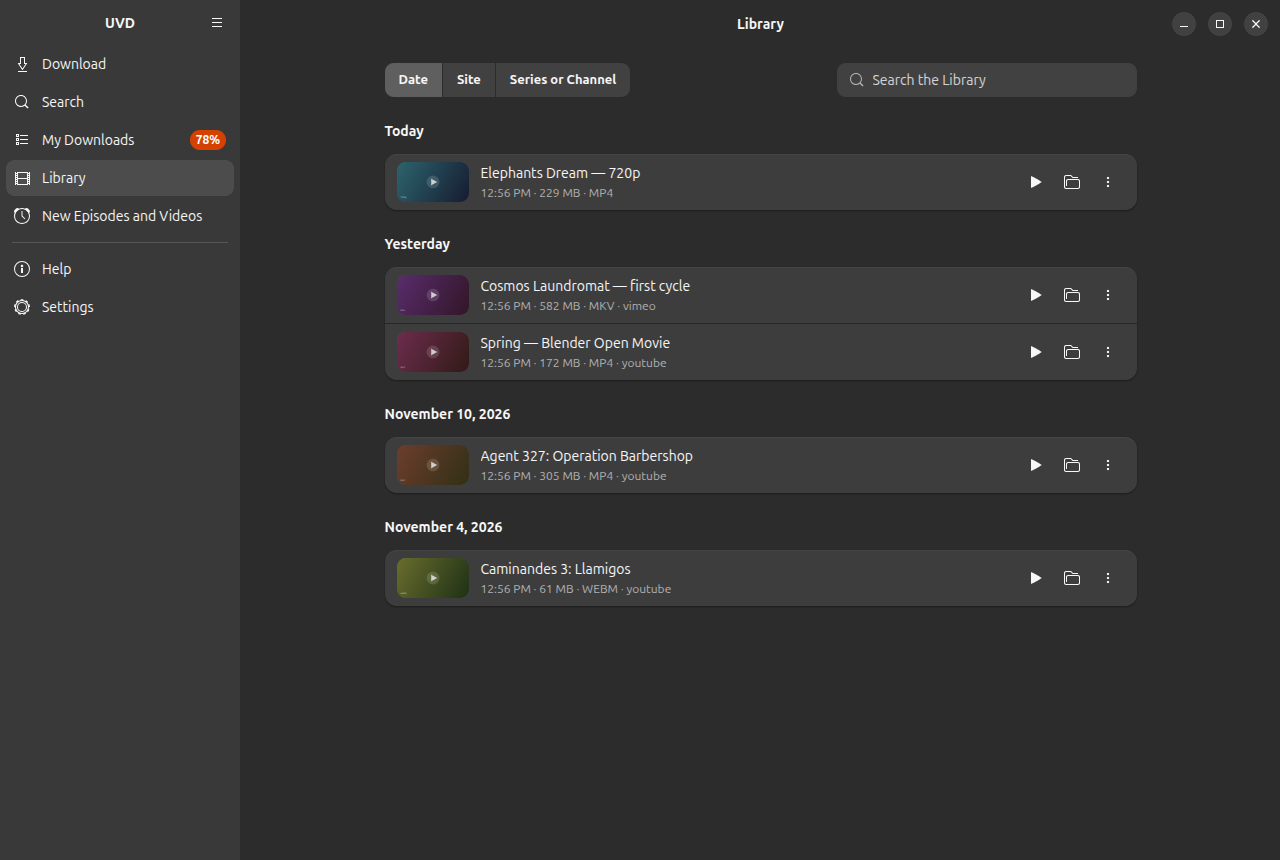
Everything you have downloaded, by date or by site, with play, show in folder, trim and convert. Moved a folder? One Locate finds the rest.
uvd <link> downloads with the same settings as the app, for scripts and quick jobs.Latest version: —
Windows 10 or 11, 64-bit
macOS 13 or later
If macOS says the app is damaged, open Fix App Is Damaged.command from the disk image. On macOS 11 or 12, use version 3.26.2.
Ubuntu, Debian, Mint, Fedora, openSUSE and others, x86-64
Signed repositories: updates arrive with sudo apt upgrade or sudo dnf upgrade.
curl -fsSL https://denishumen.github.io/Universal-Video-Downloader/uvd.gpg | sudo tee /usr/share/keyrings/uvd.gpg > /dev/null
echo "deb [arch=amd64 signed-by=/usr/share/keyrings/uvd.gpg] https://github.com/DenisHumen/Universal-Video-Downloader/releases/latest/download/ ./" | sudo tee /etc/apt/sources.list.d/universal-video-downloader.list
sudo apt update && sudo apt install universal-video-downloadersudo curl -fsSL -o /etc/yum.repos.d/universal-video-downloader.repo https://denishumen.github.io/Universal-Video-Downloader/universal-video-downloader.repo
sudo dnf install universal-video-downloaderEach version with the files for every system. The newest is at the top.